
Troubleshooting
Why Downloads Fail at 99% and Other Common MP3 Problems
The usual causes behind a network error, a silent file or a progress bar that never finishes, and what to try before you give up.
8 min read · Published 26 September 2026 · Updated 26 September 2026
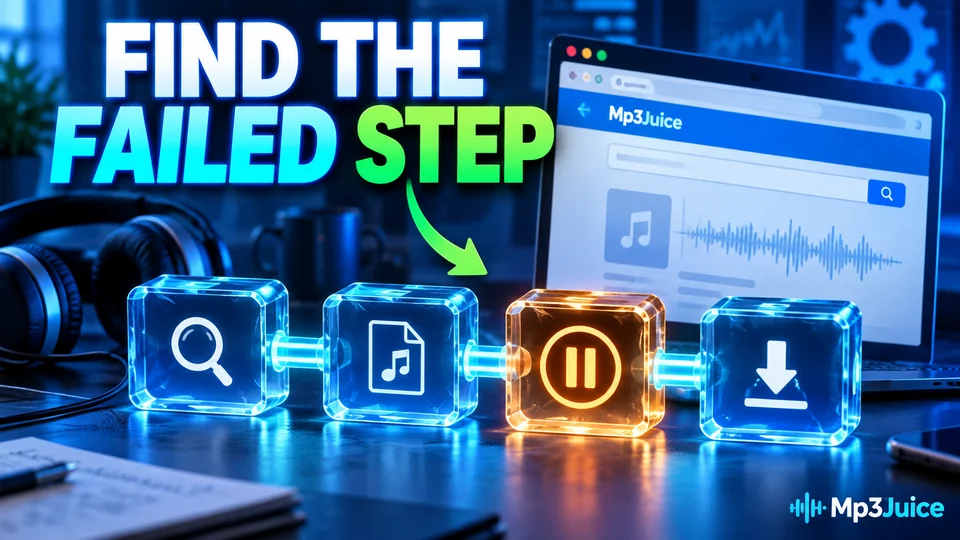
A download that stops at 99 percent is annoying because the wait is already over. The file is almost there, the browser shows an error, and the whole thing has to start again. In most cases the cause is one of a few ordinary problems, not a broken website.
Failed with a network error
This message usually appears on longer tracks or when the connection drops for a second. Chrome and other browsers may put a background tab to sleep to save memory. If the tab is handling the transfer, sleep can cut the connection.
- Keep the tab visible until the download finishes. Do not switch to another app on a phone.
- In Chrome, open Settings, then Performance, and turn off Memory Saver for the site, or add it to the exception list.
- Check the system clock. A clock that is several minutes off can break the secure connection used by the download server.
- Try a different network if you are on public Wi-Fi. Some networks block large media transfers.
The file finishes but has no sound
Open the file properties. If the size is 0KB, or well under 100KB for a normal song, the server sent an error page with an audio extension. The player has nothing to decode. Delete the file and try again with a lower bitrate. Smaller files finish faster and are less likely to hit a timeout.
If the size looks right but the track will not play, check the extension. A file named song.mp3 that is actually an HTML page will not open in any player. Some browsers hide extensions by default, so enable them in the file manager before you troubleshoot further.
Stuck at 100 percent
A progress bar that reaches the end and then waits is usually a server side delay. The converter has received the request but has not produced the file yet. Give it a minute. If nothing changes, reload the page and start a new request.
- The video may be restricted in the region where the converter runs.
- An active livestream, a premiere or a very long upload may not be available for conversion.
- A cached session can hold an old request. Try a private window or clear cookies for the site.
- An ad blocker can occasionally block the delivery script along with the ads. Disable it for one attempt and see if the button appears.
Long mixes and live sets
Tracks over an hour put more strain on the browser and the converter. If the file keeps failing, look for a shorter upload of the same set or a version split into parts. A 90 minute mix is also a large file, and a phone with little free space may stop the download without a clear message.
When a download manager helps
If your connection is unstable, a download manager can resume a file instead of starting over. Free Download Manager and JDownloader are two common options. They are not necessary for a three minute song. They make more sense for long files you expect to transfer more than once.
A short checklist
- Keep the tab open and in the foreground.
- Check free storage before starting a large file.
- Try 128kbps or 192kbps instead of the highest setting.
- Reload the page and make a new request.
- Try another browser or a private window.
- If the source is region locked, look for a different upload.
What not to do
Do not install a codec pack, a browser extension or a "downloader helper" because a popup says you need one. A normal audio file does not require any of those. If a site insists, close it and use another source. The download problem is cheaper to solve than the cleanup after a bad install.
The short version
Most failures come down to a sleeping tab, a timeout on a large file or a source that cannot be converted. Keep the transfer visible, pick a sensible bitrate and try a fresh request. If the same track fails three times, the source is probably the issue, not your device.
More guides
 Safety & Security
7 min read
A practical look at fake download buttons, notification traps and the checks that keep a browser based audio tool from turning into a problem.
Read the guide Audio Quality
8 min read
Why a 320kbps download from a 160kbps source is bigger without being better, and how to read a spectrogram without guessing.
Read the guide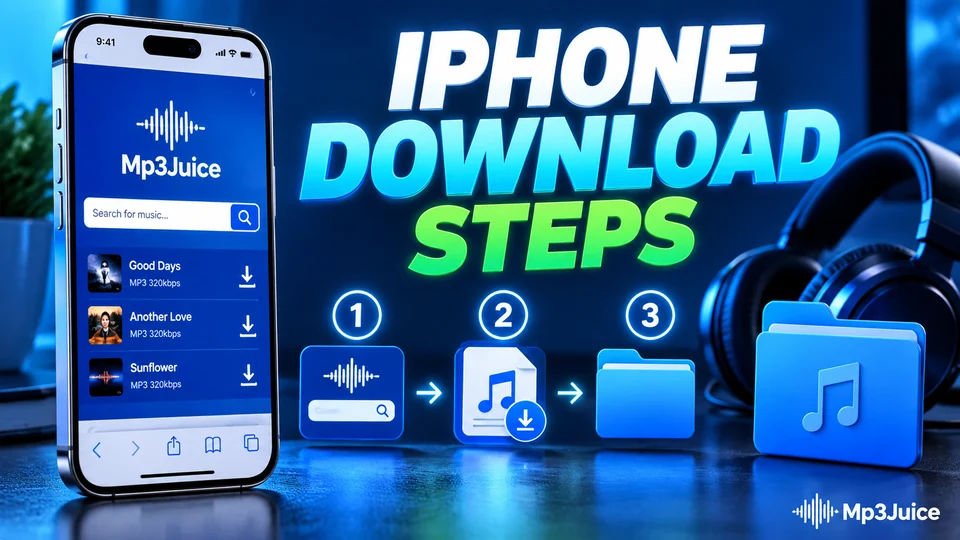 Mobile Guides
7 min read
Where Safari puts a downloaded track, how to find it in Files and which free apps actually play a local music folder.
Read the guide